Get in touch
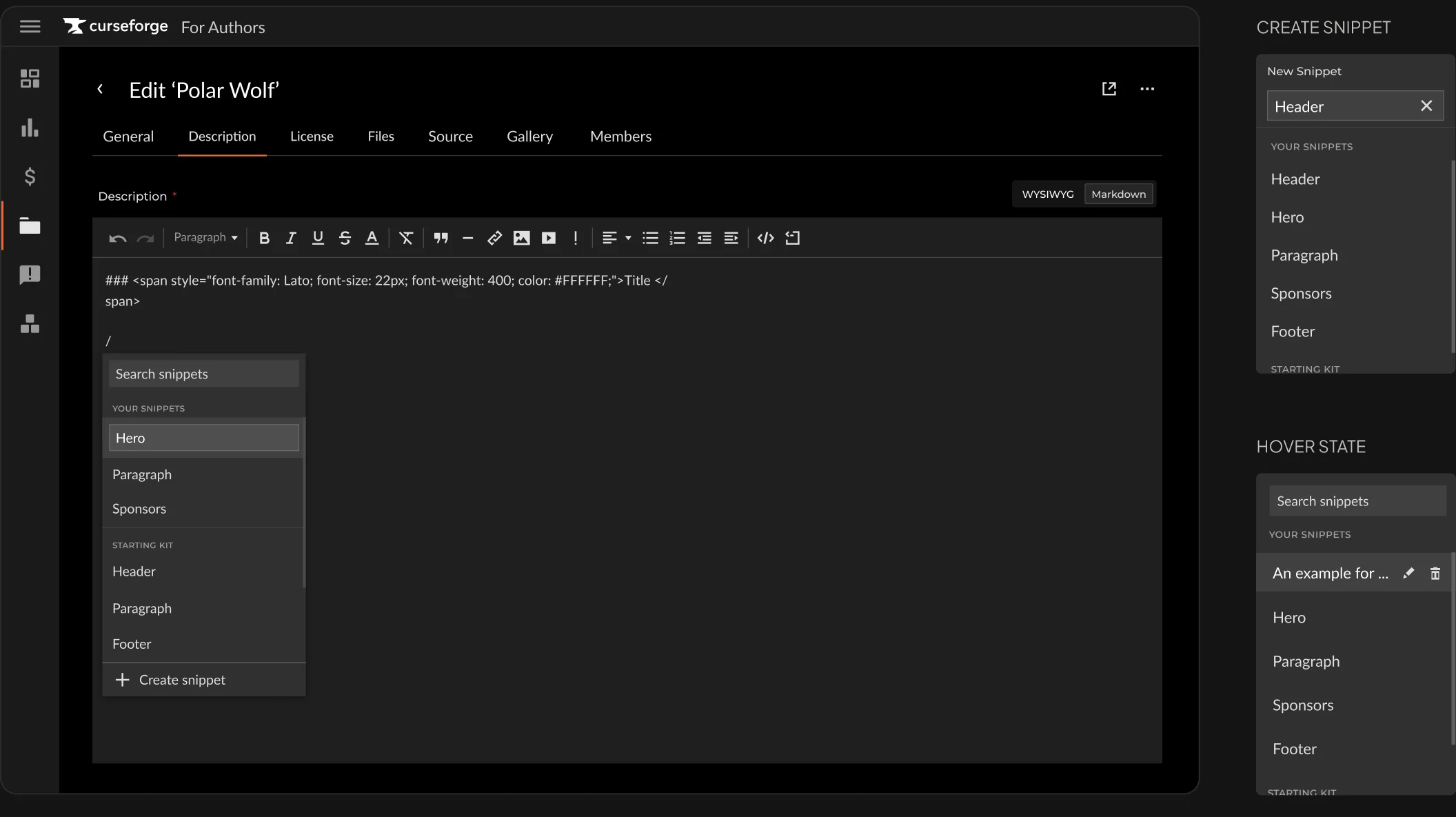
Description Snippets
new featureReusable text blocks created and inserted directly inside the description editor.
- Inline, no separate settings screen
- Accessible across all projects from any description editor
CurseForge is a UGC platform where players install mods for games like Minecraft,
The Sims, Stardew Valley, and World of Warcraft.
Mod developers manage their projects and revenue in the Authors Console.
When managing dozens of projects, they end up making the same changes in every single project.
 mobile responsivity across the flow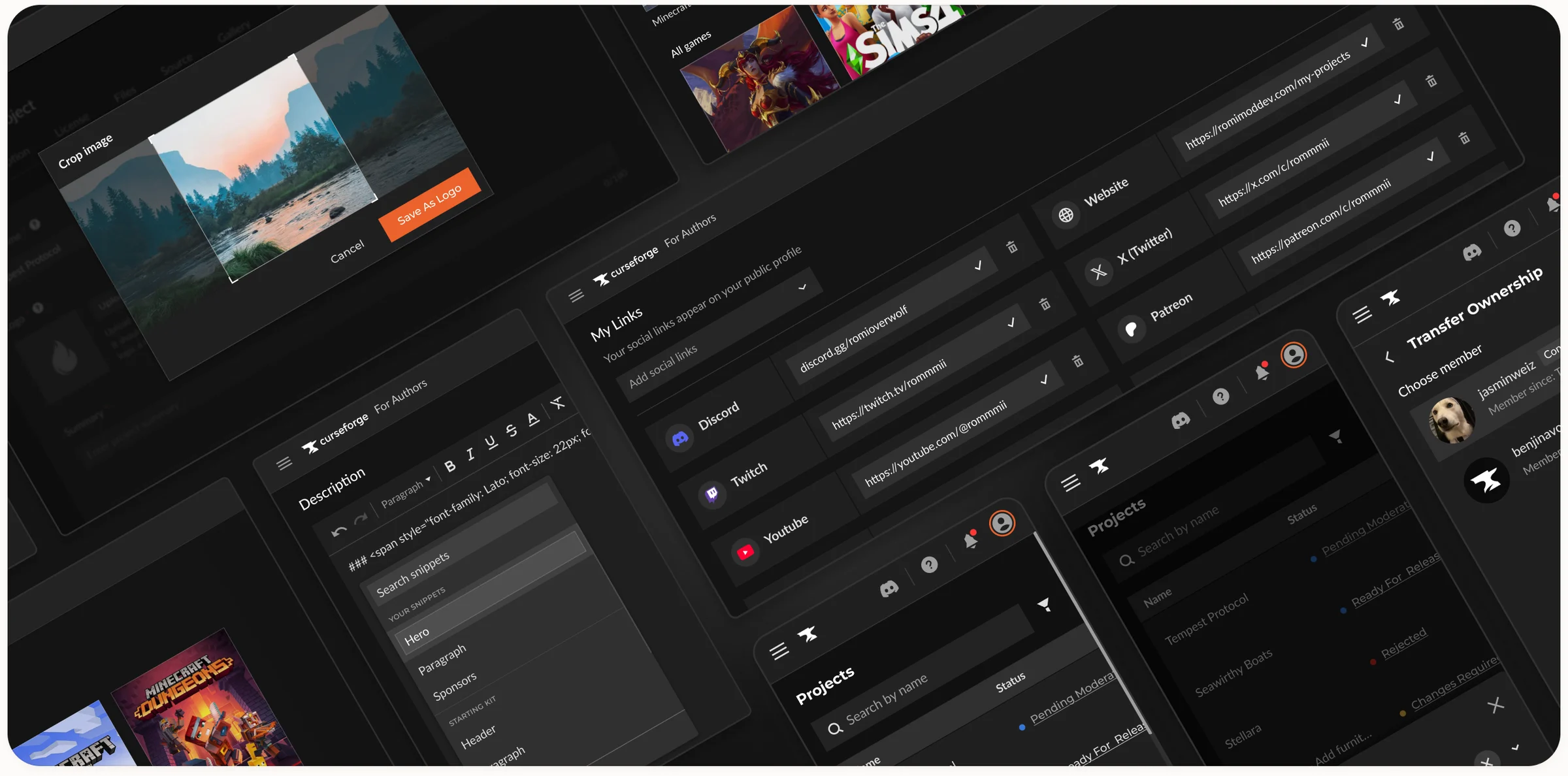
problem statement
A previous research project, run with our UX researcher, found that developers managing multiple projects struggled to update and maintain them in the console.
So much that they’ve created their own tool to automate these processes.
These big developers are the heart of CurseForge. Some have the most-installed mods on the platform, and they're our most loyal, reliable users.
That's why we ran a dedicated study on these developers, to understand their pain points and how to support them better.
pain points
The challenge for our users was not only the console’s limitations and missing features,
but having to repeat content, settings, and updates with every project.


the challenge
While the problems were clear, the changes have to work for all users, most of them with just a few or a single project.
This means we make minimal changes to the original flow (which currently works well for most users), or add features on top that help developers update multiple projects at once.
solution
Four features shipped separately over two quarters, each targeting a specific repetitive task.
Reusable text blocks created and inserted directly inside the description editor.

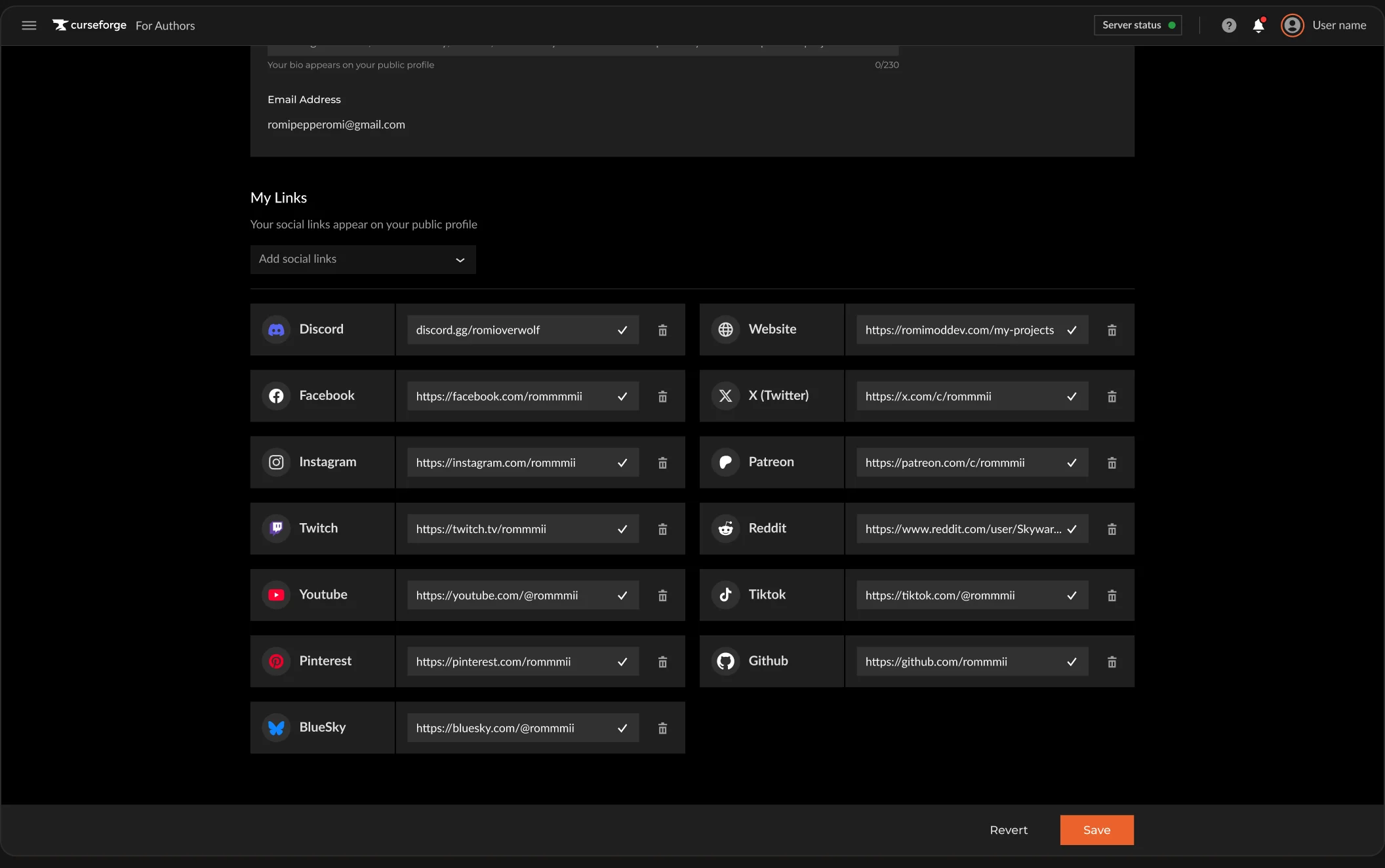
Syncs social links from the developer's CurseForge profile to all projects at once.

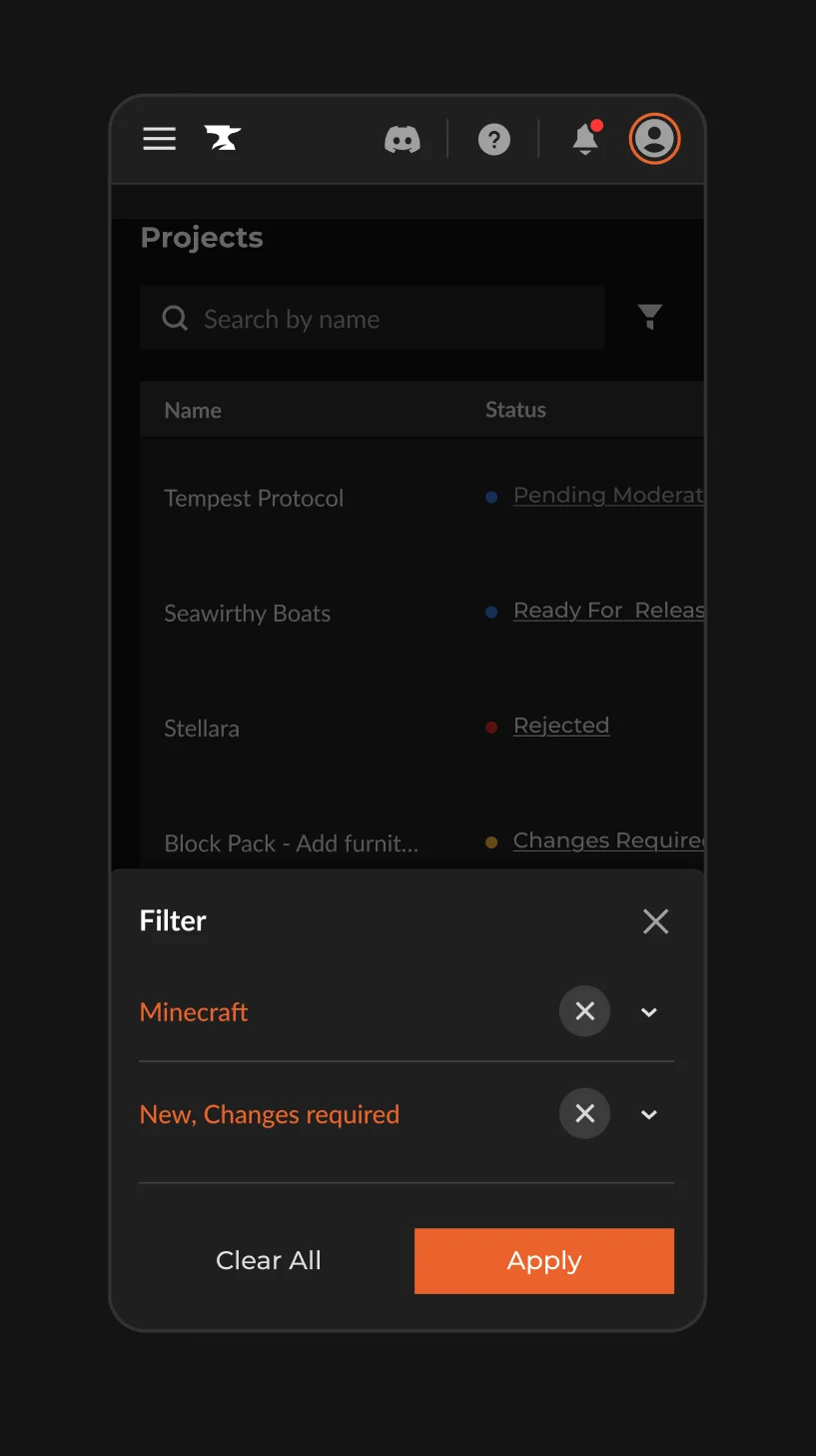
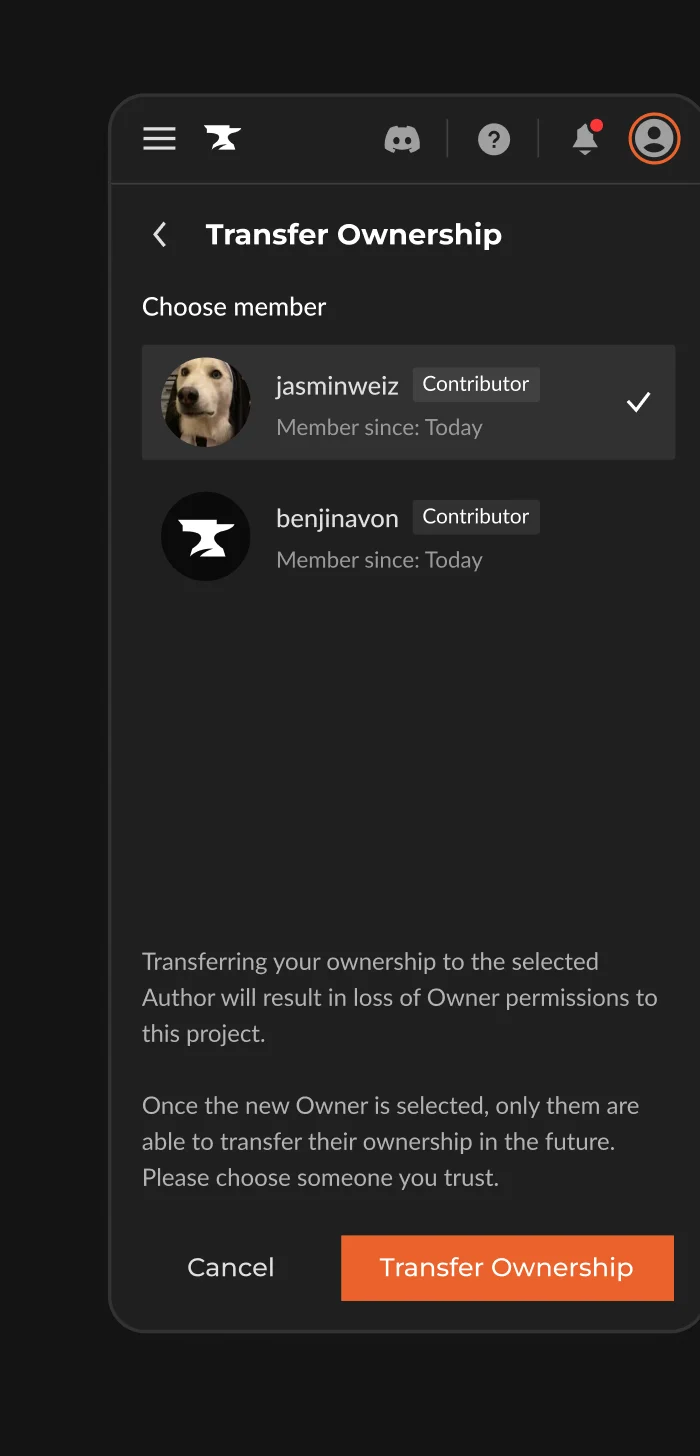
A full redesign of the mobile experience, rebuilt to be completely responsive across layout, tables, navigation, and description editing.
Specific pages were reworked so developers can manage their projects entirely from mobile.
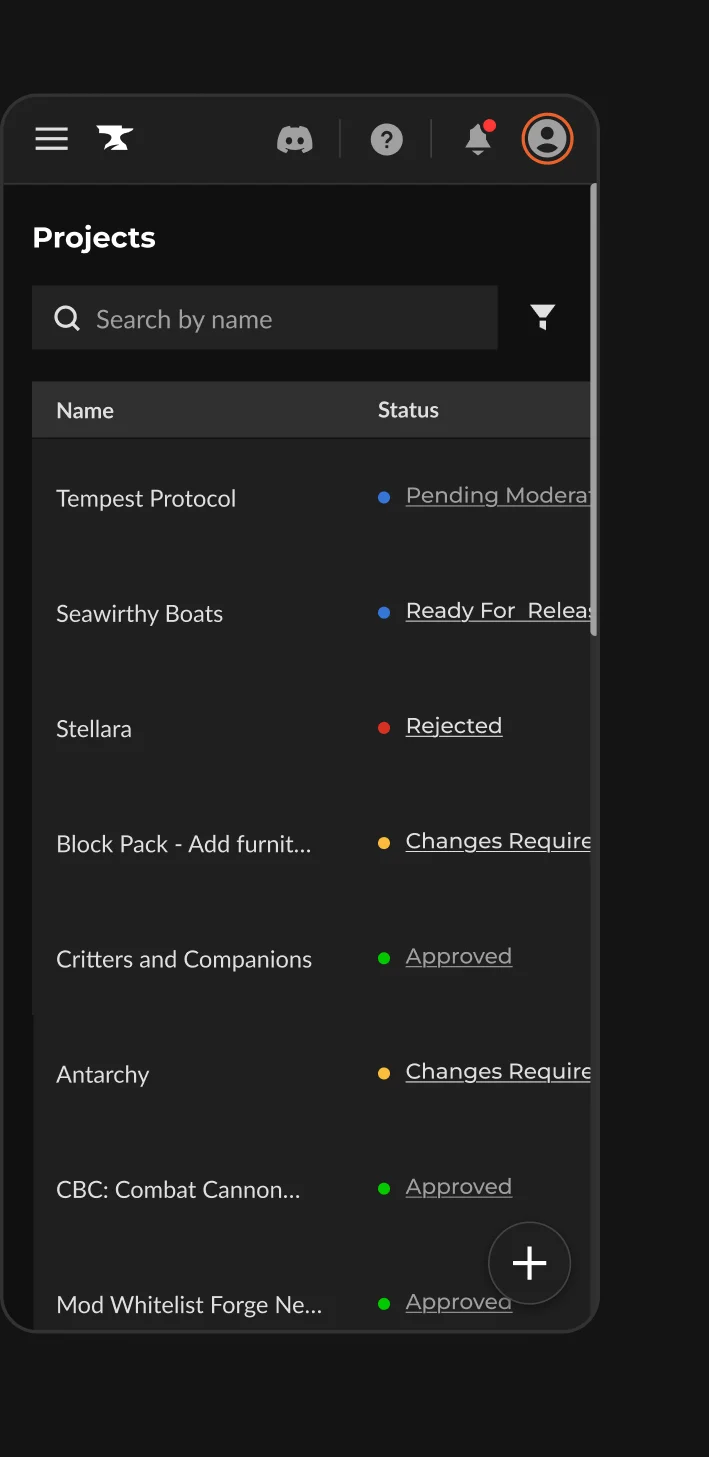
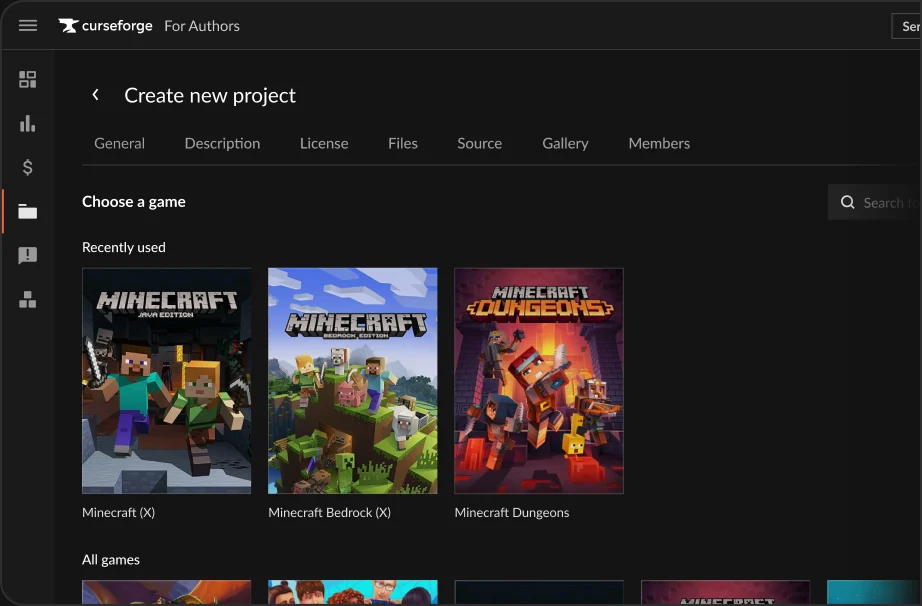
A personalized shelf of recently used games at the top of the game selection screen, which also improved screen loading time.

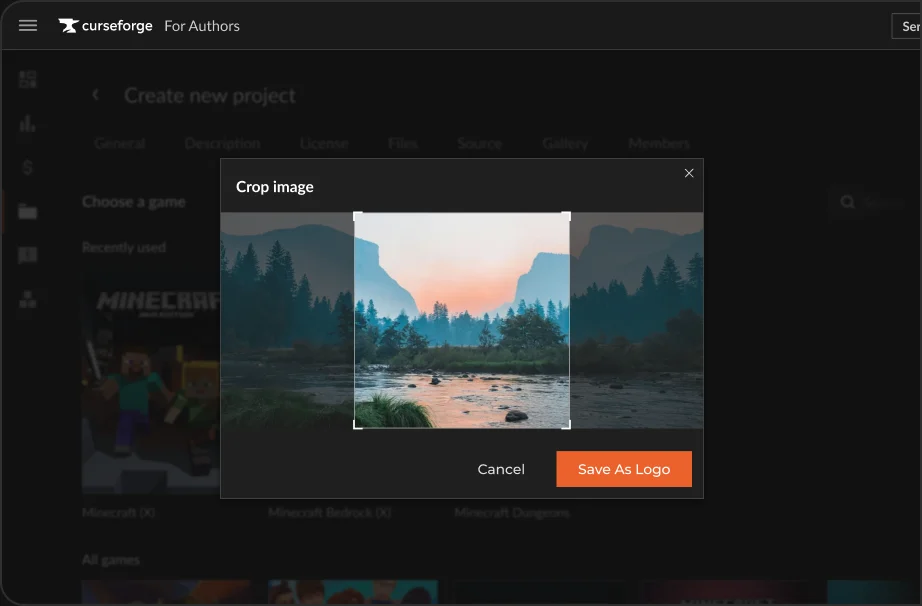
Logo cropping directly inside the Console, removing the need to prepare images externally before uploading.
outcome
3 repeated input fields as told by developers, have turned into auto-filled based on previous projects

Mobile responsivity across the project editing flows enable users edit projects on the go

Adding a Recently Used Games shelf decreased loading time for the 1st critical step of the flow
reflections
When planning the project with our PM, we decided to work on each feature separately to align with how the CF Developers development team works.
In retrospect, I would have approached the design more holistically, especially for features that overlap within the same screens and flows.
For example, I initially designed the mobile experience early in the project, which meant that I later had to apply mobile versions of the additional features I designed, and do a visual review of the same screens every time.